Imnota features
Every detail.
In the handoff.
A local workspace for screenshots, drawings and written explanations. Give your coding agent the whole idea in one ordered collection.
Capture & organize
Bring the screens together before explaining the changes.
- Capture an area, window or screen
- Press the capture shortcut (Ctrl+Shift+5 by default, Control not Command on macOS), use the tray or menu-bar icon, or the toolbar. Drag across screens, pick a window or a whole display, add a 3 or 5 second delay and repeat the last area. Then save, annotate, copy or discard from the capture overlay. Capture is on by default for new Windows and macOS profiles and can be turned off in Settings > Features. macOS needs Screen Recording permission; Linux users can import or paste from their screenshot tool.
- Start from a template
- Choose Bug report, UI review, Feature request, Design-to-code brief or Architecture handoff when creating a project. Each template gives you editable Markdown blocks; a blank project is still the default.
- Import, paste or drag and drop
- Add PNG, JPEG and WebP screenshots in the way that fits your workflow.
- Standalone drawings
- Start with a blank drawing, use essential Excalidraw tools and connect shapes with attached connectors. Imnota saves editable JSON and a cropped PNG with a white background and padding.
- Markdown items with preview
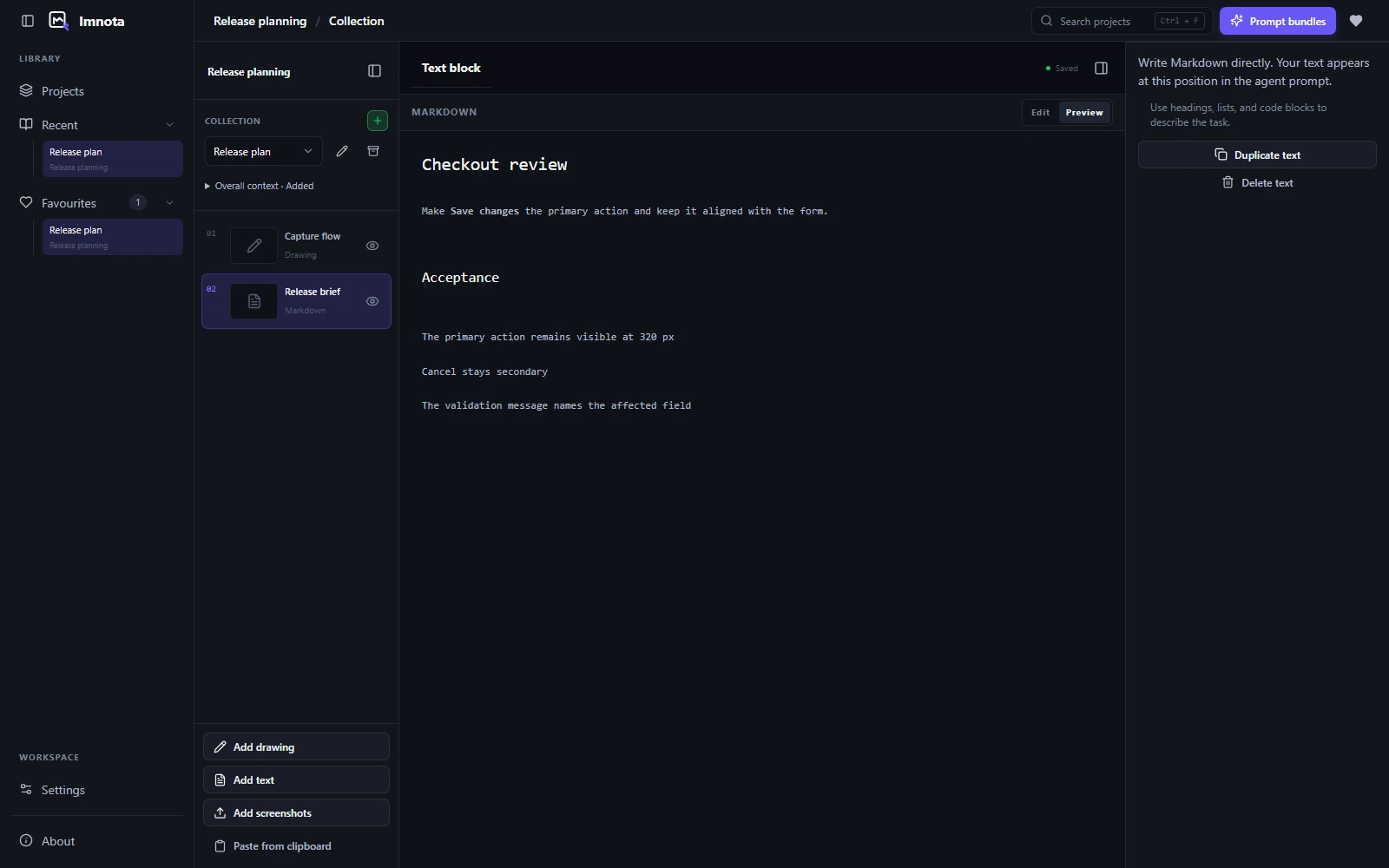
- Write a standalone explanation in Markdown and switch between editing and preview. Text and drawing editors autosave with a saving indicator.
- Collections with shared context
- Keep screenshots, drawings and Markdown in a shared order and give the collection one overall instruction. Archive and restore collections as the work moves on. Back and Forward return to the project, collection and item you were viewing.
- Search the context, too
- Find saved screenshot descriptions, annotation text, Markdown and drawing text. Results open the matching item or annotation. Search reads saved text, not words inside screenshot pixels.
- Keep it, without exporting it
- Include or exclude individual collection items from a prompt bundle without deleting them from the collection.
- Recover from a deletion
- Duplicate screenshots, drawings and text, or delete them with recoverable trash and Undo controls.
Annotate & refine
Point to the exact change. Keep the source intact.
- A complete annotation layer
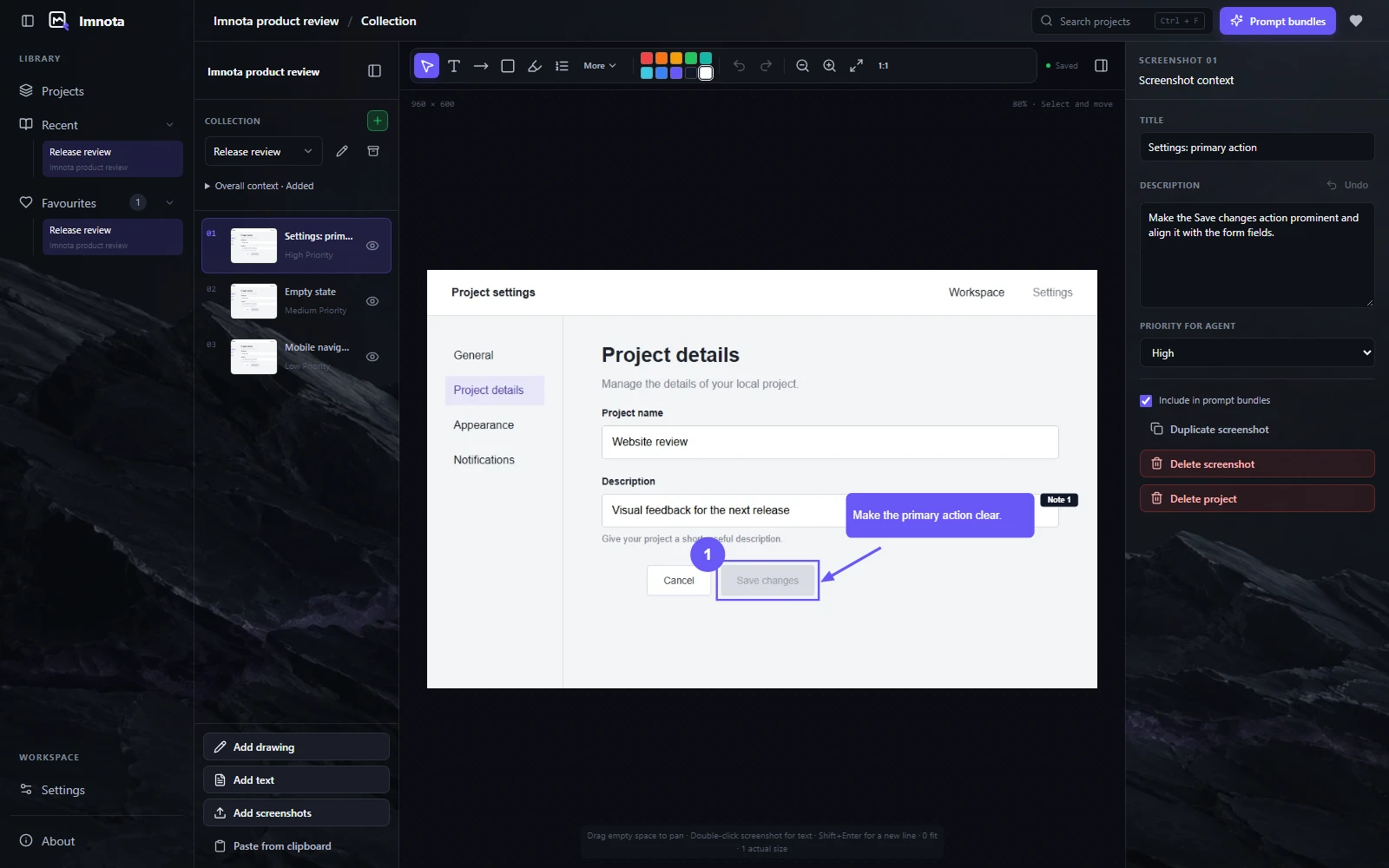
- Use arrows, lines, shapes, highlights, text, callouts and numbered steps. Mark sensitive areas with masks.
- Non-destructive cropping
- Adjust the crop using resize handles, then Apply, Cancel or Reset. Your original screenshot is preserved.
- Editable marks, undo and redo
- Move and resize annotations without baking them into the source image. Undo and redo annotation edits as you refine the feedback.
- Canvas controls that stay out of the way
- Pan and zoom, return to actual size and collapse workspace navigation when you need more canvas. Annotation tools adapt to the available space, and drawing and screenshot surfaces now match.
Standalone drawings
Give the idea
a shape.
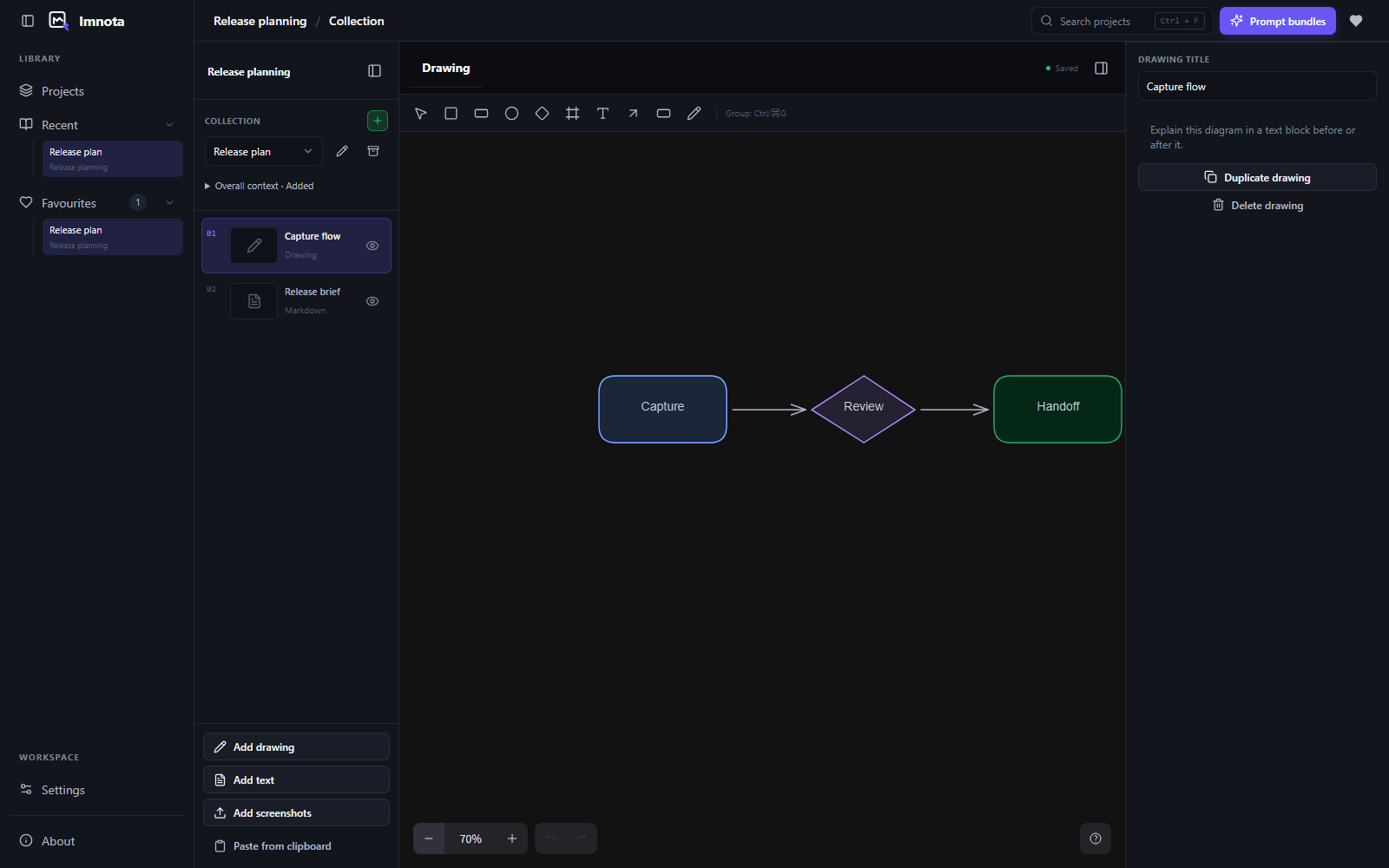
Open the Add menu and choose Drawing. Use the embedded Excalidraw editor to sketch a flow or explain a layout, then keep it in order with the rest of your collection.
- Shapes and attached connectors
- Start on a blank canvas with essential Excalidraw tools. Draw shapes, add text and connect the pieces.
- Editable, local and autosaved
- Imnota keeps the drawing's editable JSON and a rendered PNG. Reorder, duplicate or exclude it from a bundle without losing the source.
- Descriptions travel with the drawing
- Add an optional description in Imnota 0.2.8. The rendered sketch goes into the prompt PNG and its description goes into the matching Markdown.
Context & export
The image shows where. Your words explain what and why.
- Optional hosted sharing
- Choose Share online, review your bundle and create a link. New links expire after one day by default, with 7, 14 and 30 day options. Recipients can copy the bundle in their browser or download a ZIP.
- Your shared links, in one place
- Settings > Sharing lets you copy, open or revoke links created on this device and change your remembered sender name. Pairing happens during link creation, with a manual code fallback.
- Choose what leaves your device
- Only the finalized artifacts you approve are uploaded, not the editable project folder. Anyone with the link can open the bundle until expiry or revocation. Local copy and export still work offline.
- Descriptions and priorities
- Add an optional Markdown description to each screenshot and set Low, Medium or High priority for your agent. Drawings can have their own descriptions, included in the exported Markdown.
- Marks your agent can read
- Prompt Markdown lists arrows, boxes and steps as positions, so the agent gets the geometry as text as well as in the image. Each screenshot also records its source size.
- Visible text Beta
- Turn on Include recognised text in Markdown in Settings > Features to add on-device OCR to the bundle. It is off by default, honours crops and skips blurred or pixelated screenshots. Linux skips recognition.
- Markdown and PNG prompt bundles
- Export screenshots, drawings and written explanations in collection order as timestamped Markdown and high-resolution prompt images.
- Text-only handoffs
- A collection containing only text exports Markdown directly, without creating placeholder images.
- Readable exports for larger collections
- Large collections split automatically into readable bundles on a white background.
- Copy the format your tool accepts
- Windows and macOS start with Copy files. Choose Markdown, PNG or rich copy in the card copy menu as needed. Combined copy reports which formats the clipboard kept; the receiving editor still decides what it pastes. Open files and file-path actions provide fallbacks.
A background
of your own.
Choose a generic light or dark backdrop, an existing character option, or a local image of your own. Keep one background for both themes or set separate Light and Dark images and opacity. Appearance controls stay together in Settings.
Glass has one on/off switch; turning it off gives you solid surfaces. Backdrop opacity updates immediately, and its slider only appears when it applies. Desktop glass has been removed.
Your workspace
Your files and your tools, on your machine.
- Plain local files
- Projects use JSON, Markdown and image files in folders you can copy, back up or version-control. No account, cloud storage dependency or built-in AI service is required.
- Local backups and history
- Create a project snapshot, validate its files and restore it as a new project or in place. Export snapshots as ZIP archives. Automatic history is off by default; when enabled, it runs before project migrations and whole-project deletion, not after every edit.
- Shortcuts you can see and change
- Record a key combination in Settings, see conflict explanations and reset or clear individual shortcuts. Mouse controls remain available throughout the workflow.
- A guided first handoff
- Practice importing, annotating and copying with an isolated sample. The guide leaves your real workspace untouched and can be replayed from Settings.
- Light, dark or system
- Choose the appearance that suits your workspace, including curated settings and local backdrops.
- Stable releases or opt-in previews
- Stay on Stable or choose Nightly for previews. Background checks run at startup and about hourly, with a compact update indicator and release notes. Downloads and installation start only when you choose them; manual checks remain available.
- Open source, from the start
- Imnota is MIT licensed, with Windows, macOS and Linux downloads. Inspect the source, build it locally or contribute an improvement.
Feature details reflect Imnota v0.4.0. See the user guide for controls and the changelog for release-specific notes.
Download the stable release