Local-first
desktop app. Open source. No account required.
A product film made from Imnota’s real workflow and example content.
Give the picture a point.
A screenshot shows the symptom. Your agent still needs to know what
matters, what is wrong and what should change.
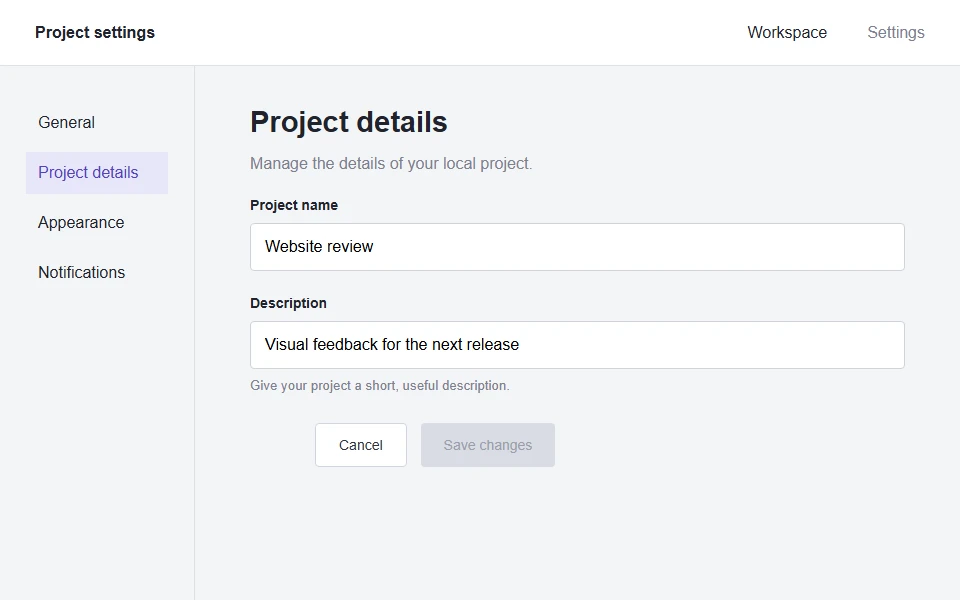
Just the screenshot Where should I look?
???
The screen is visible. The intention is missing.
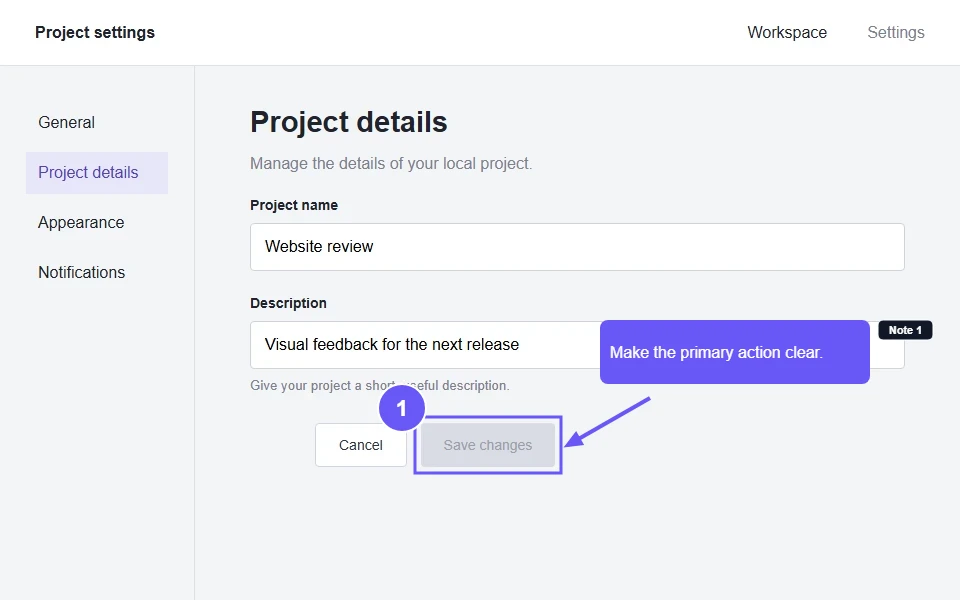
With Imnota Here. This. Because.
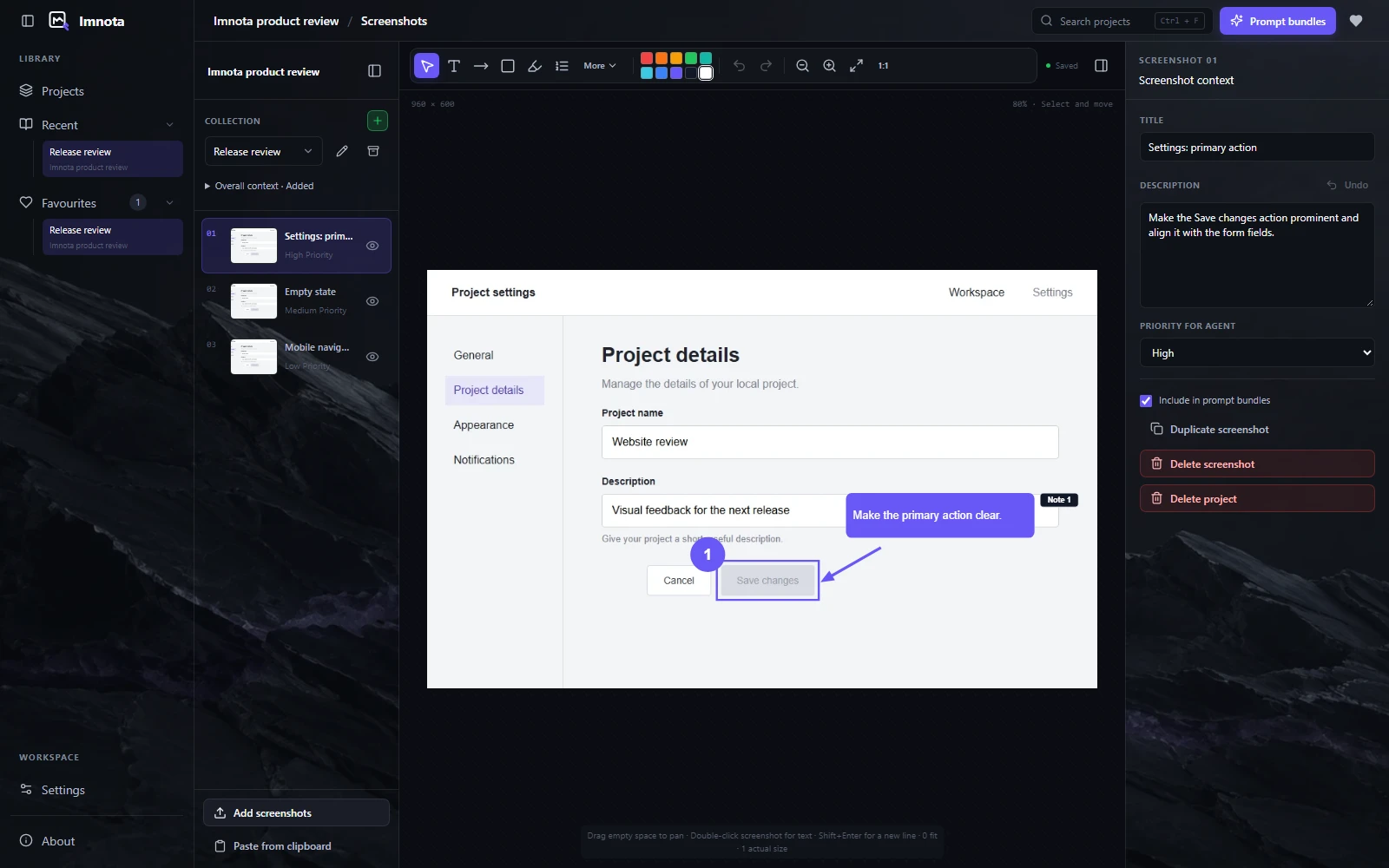
1 Make Save changes the
primary action. Align it with the fields.
From seeing it to explaining it.
Four steps. One clear handoff.
01
Collect
Paste, drop or import screenshots, or capture an area, window or
whole screen. Add standalone drawings and Markdown notes to the
same collection.
PNGJPEGWebPCapture
02
Mark
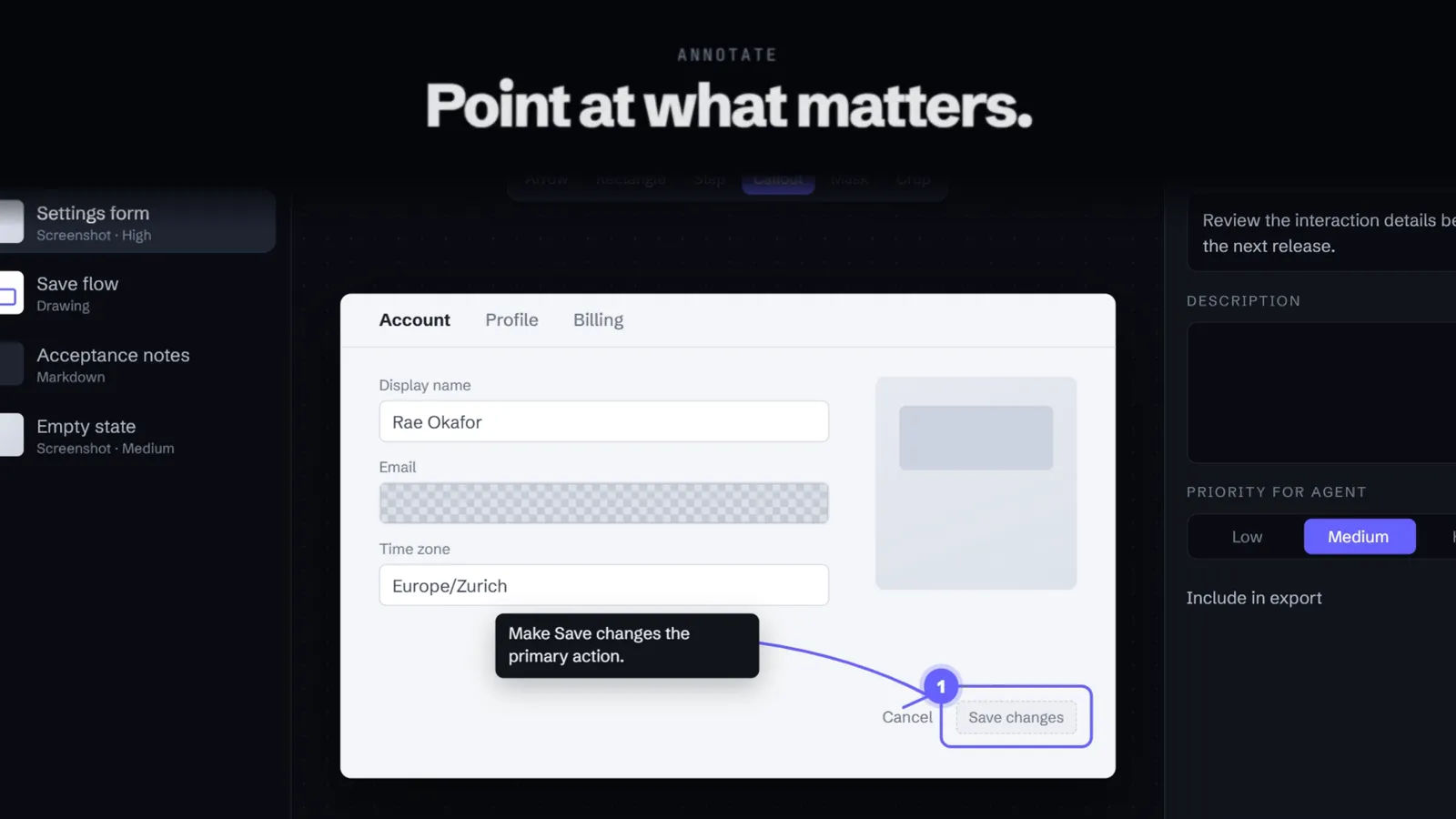
Arrows, boxes, highlights, text, callouts, numbered steps and
sensitive-area masks. Crop without touching the original.
ArrowStepMaskUndo
03
Describe
Add collection context, a description for each screenshot or
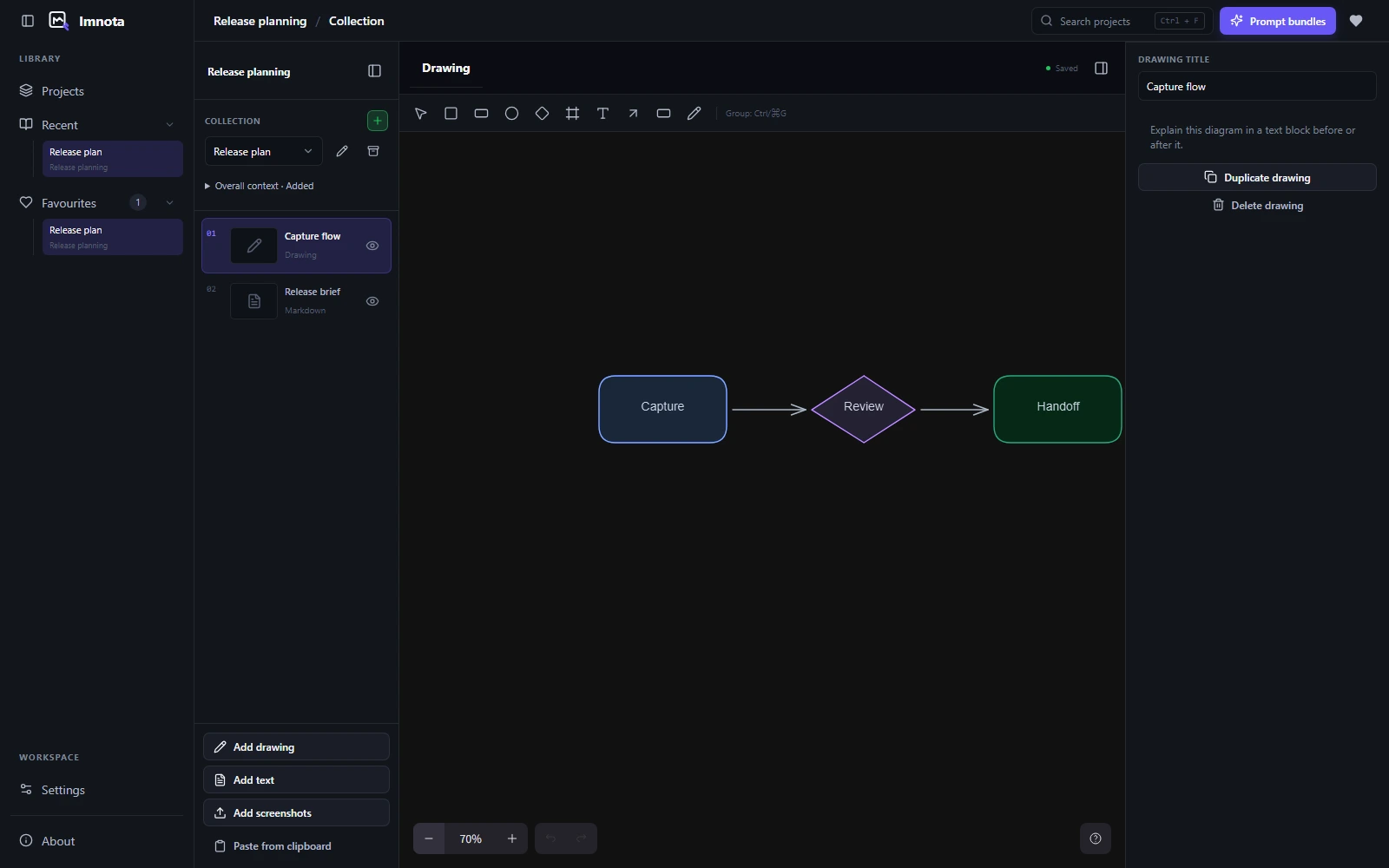
drawing and an agent priority. Sketch flows when words are not
enough.
ContextPriority: HighDrawings
04
Copy
One click prepares timestamped Markdown and high-resolution
PNGs. Paste them into the coding tool you already use, or let a
local agent read them.
.md.pngRich copy
New in stable 0.4.0
Capture clearly. Copy with confidence.
Capture a window on Windows or macOS, set a timer for menus and copy
your finished bundles as files. Imnota 0.4.0 improves capture,
export reliability and the workspace you use every day.
Window capture works on Windows and macOS, using the window's
pixels when available with a frozen-screen fallback. Choose Now, 3
s or 5 s beside Take screenshot, or retake with a timer after
opening a menu.
CtrlShift5
Reliable exports
Your finished work stays ready.
Unchanged content reuses its saved export. Replacing an image
refreshes the bundle. Failed exports keep completed work and offer
Rebuild bundles to recover.
Simpler workspace
Fewer controls. More focus.
Glass has one on/off switch, backdrop opacity responds
immediately, and favourites and archives live as filters in the
Library.
Copy and share
The right files. The context beside them.
Copy files is now the macOS default, placing Markdown and PNG on
the clipboard as separate files. Shared pages show each bundle
with its own prompt text and match desktop Rich copy. Receiving
apps decide which formats they accept.
Collect, annotate, draw, describe and copy, then hand the bundle
to a coding agent. 63 seconds with an original soundtrack.
Or in 15 seconds, made for your feed.
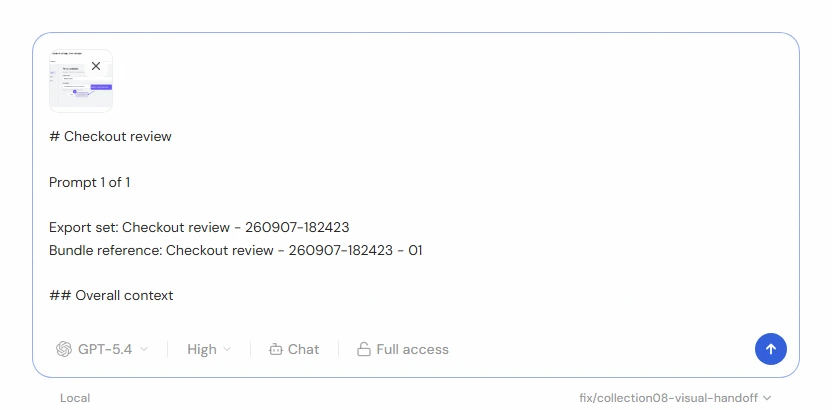
The actual prompt bundle
One picture. The context that goes with it.
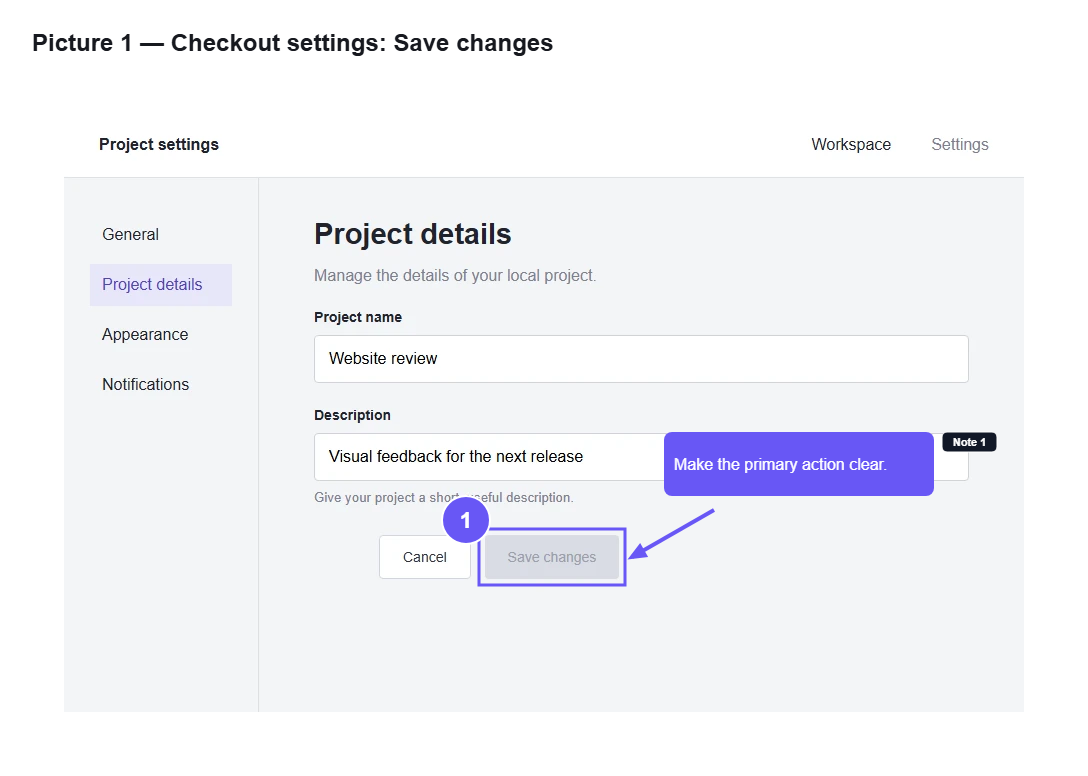
The exported PNG keeps the annotations visible. Its Markdown
companion carries the collection context, descriptions,
priorities, callout notes and now the marks themselves.
No Node.js, pnpm, Electron or development dependencies needed.
Manual build
Clone
the source repository
and open its folder in your terminal. Use Node.js 22.13+ and
Corepack, then run the packaging command for your operating
system.
From the Imnota source folder
corepack enable
corepack pnpm install
corepack pnpm package:win   # Windows
corepack pnpm package:mac   # macOS
corepack pnpm package:linux # Linux
The last three lines are alternatives. Run only the target you
need.
A note for macOS. The current release is not
Apple-notarised. If macOS blocks it, follow the
README opening guidance.
</>
MIT licensed. Yours to inspect.
Built in the open, designed for real workflows.
An open-source screenshot annotation tool built with Electron, React
and TypeScript. Desktop targets for Windows, macOS and Linux. Read
the code, build it yourself or contribute a focused improvement.
Local editing, capture, copy and export use files on your machine.
Optional Share online uploads only the finalized PNG and Markdown
bundle you review and approve, not your editable project folder.
Anyone with the link can open it until it expires or you revoke
it.
Do I need an AI account to use it?
No. Imnota has no account requirement and no built-in AI provider
connection. It prepares context for the assistant or coding agent
you already use.
How does local agent access work?
It is off by default. When you turn it on in Settings, Imnota
listens only on 127.0.0.1 so an MCP-capable coding agent on the
same computer can list projects, read collection items and load
the latest bundle you prepared. Agents cannot create exports for
you. See
the agent guide.
Which operating systems are supported?
Windows, macOS 13 or later, and Linux. Screen capture works on
Windows and macOS; on Linux, import or paste screenshots. Check
the latest release
for available desktop downloads.
What does the export contain?
A saved export in collection order, with Markdown and
high-resolution PNGs for visual items. Text-only collections
export Markdown without placeholder images. The Markdown includes
collection context, screenshot and drawing descriptions, agent
priorities, text or callout notes, annotation marks as positions
and the source size of each screenshot. Optional on-device text
recognition adds visible text. Large collections may split
automatically.
The current release is not Apple-notarised. The README explains
how to open it through System Settings, Privacy & Security,
Open Anyway. Read the
macOS installation guidance. Do not disable Gatekeeper.